

QuickBooks can remain a perfectly good accounting system long after a company starts blaming it for problems it was never designed to solve.
That distinction matters.
A business rarely wakes up one morning and discovers that the general ledger itself has become unusable. More often, growth has added inventory complexity, locations, purchasing rules, reporting requirements, approvals, ecommerce, delivery, customer-specific pricing, or new software around the accounting system.
The business still says, “We have a QuickBooks problem.”
The actual problem may be that QuickBooks has become the center of an operating model that now expects too much from it.
The clearest sign: the work has moved outside the system
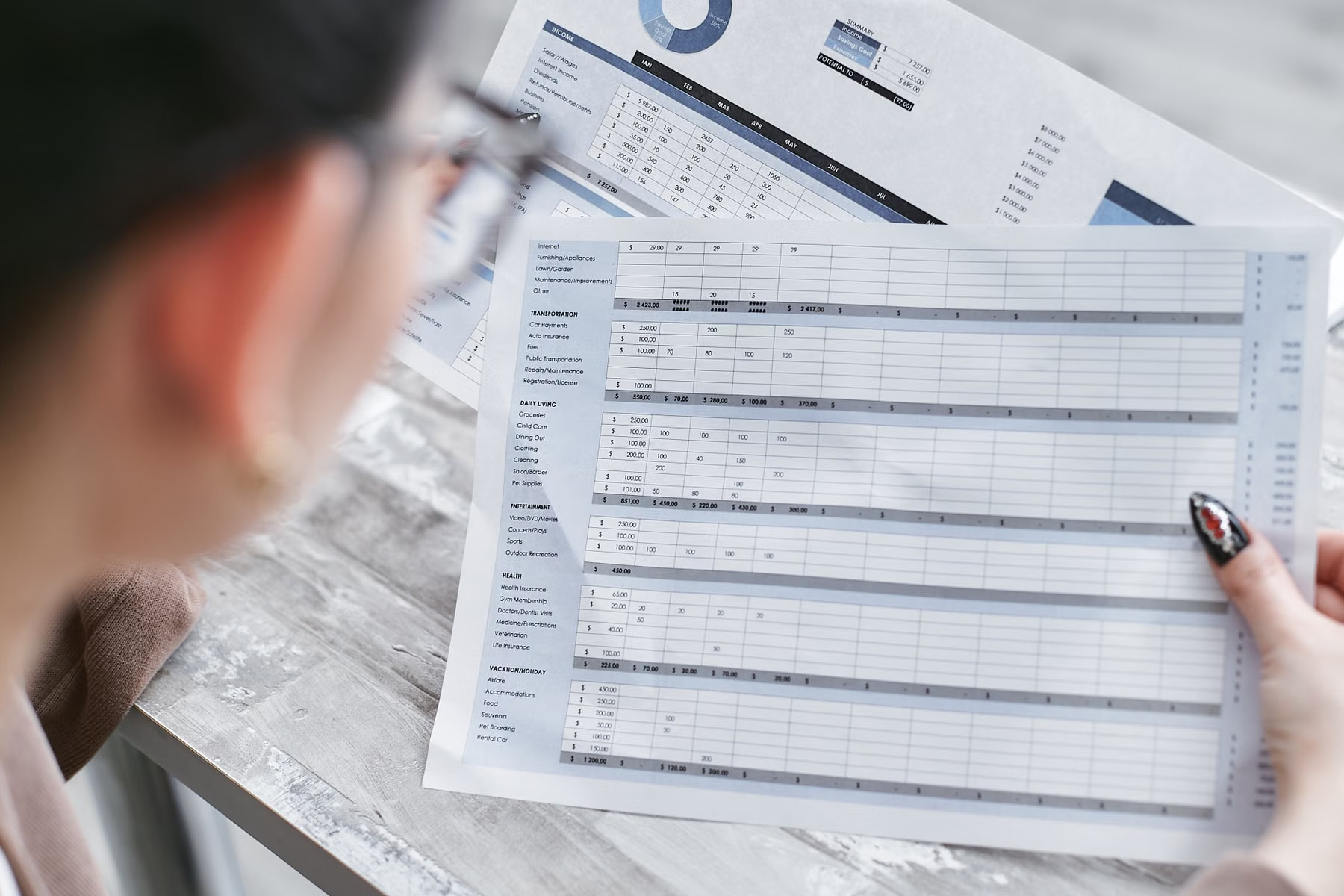
One of the first things to look for is not the accounting software itself. Look at everything employees have built around it.
Examples include:
- spreadsheets that determine what should be ordered;
- separate lists for inventory that people trust more than the system;
- manual re-entry between ecommerce and accounting;
- customer or product data being maintained in several places;
- reporting assembled by exporting multiple files and combining them;
- approvals happening through email or text because the system cannot represent the process;
- location-by-location workarounds;
- staff keeping private notes because the official record is incomplete.
A spreadsheet is not automatically a problem. Plenty of good businesses use spreadsheets intelligently.
The warning sign is when the spreadsheet becomes the real operational system and the accounting platform is merely where the result is entered later.
Outgrowing software is usually an operating question
Before evaluating ERP platforms, separate the symptoms into categories.
Inventory
Can the business reliably answer what it has, where it is, what is committed, what is available, what is inbound, and what needs attention?
If inventory exists across yards, warehouses, stores, trucks, jobs, or ecommerce channels, a simple accounting-centered inventory model can become difficult to stretch.
Purchasing
Are buyers working from useful demand information, reorder logic, vendor lead times, committed sales, and inventory targets?
Or are experienced employees holding the process together through memory and spreadsheets?
Order flow
How many times does an order get touched?
A customer request might begin on the website, by phone, at a counter, through an outside salesperson, or from a purchase order. The order may then need pricing review, inventory confirmation, picking, delivery, invoicing, and customer communication.
If the same information has to be recreated at several points, the accounting system may not be the only thing that needs to change.
Reporting
Leadership should not need a forensic investigation every time it asks a basic business question.
If margin, inventory, purchasing, sales, location performance, customer behavior, or operational reporting requires several exports and a specific employee who “knows how to build the spreadsheet,” the reporting model deserves attention.
Integrations
As companies grow, they add systems.
The accounting package may need to exchange information with ecommerce, CRM, payroll, shipping, warehouse tools, field applications, reporting platforms, or other business software.
At some point, the question becomes whether the current platform is still the right system of record for the job it is being asked to perform.
When QuickBooks may still be the right answer
Do not replace a system simply because a more expensive platform exists.
A company can have serious operational problems while QuickBooks remains completely appropriate for accounting.
Sometimes the better answer is:
- improving the ecommerce integration;
- cleaning product data;
- adding a CRM;
- fixing reporting;
- changing the inventory process;
- automating a specific handoff;
- replacing one surrounding application;
- defining responsibilities more clearly.
An ERP implementation is not automatically modernization.
It can also be an expensive way to recreate unclear processes inside a larger system.
That is why Loginect prefers to define the requirements before scheduling a parade of software demos.
Questions to answer before looking at ERP demos
Before discussing vendors, document what needs to become true.
Start with questions like:
- Which workflows are creating the most re-entry or manual cleanup?
- Which data does the business not trust?
- Which reports are hard to produce today?
- Which processes depend too heavily on one employee’s memory?
- Where do inventory, orders, purchasing, or customer information diverge between systems?
- What changes as additional locations are added?
- Which integrations are essential?
- What should remain in the current accounting environment?
- Which improvements are required now versus useful later?
- What would make the cost and disruption of a new platform worthwhile?
Those answers are more valuable than a generic list of ERP features.
The decision is not “QuickBooks versus ERP”
A more useful decision tree is:
What is the business trying to make easier or more reliable?
Then:
Which processes and data are preventing that?
Then:
Which system should own those processes and data?
Only after that should the platform conversation get serious.
For some companies, the outcome will be a new ERP. For others, the outcome will be keeping QuickBooks and improving everything around it.
Both can be correct.
What Loginect looks for
When Loginect evaluates whether a business has outgrown its current systems, we look beyond the accounting product.
We look at the complete flow:
customer → order → inventory → purchasing → fulfillment → invoicing → reporting → management decision
That broader view helps distinguish between a software limitation, an integration problem, a data problem, a process problem, or a combination of all four.
If the requirements point toward ERP, the next step is not choosing the vendor with the best demo.
The next step is building a clear requirements model and evaluating platforms against the business that actually has to live with the decision.
Related: Business Systems & ERP and Systems Integration.