

People & devices
ReadyStandardized PCs, accounts, permissions, endpoint access.
Infrastructure & Business IT
Loginect modernizes computers, networks, Microsoft 365, storage, backup, connectivity, remote access, and office infrastructure without adding complexity the business does not need.
Modern infrastructure often means less infrastructure, not more.
Standardized PCs, accounts, permissions, endpoint access.
Email, files, identity, collaboration, and cloud services.
Router, Wi-Fi, VPN, internet, switching, and location access.
NAS or cloud-first approaches where a server is no longer justified.
Clear responsibility for fixes, maintenance, vendors, and escalation.
A practical foundation
The goal is not to turn every office into a miniature data center. Modern cloud services, better endpoint management, business-grade networking, and simpler storage often reduce the number of things a company has to maintain.
Loginect looks at the way staff actually works and modernizes the foundation around reliability, access, security, supportability, and growth.
When businesses call
A recurring computer or network problem can reveal a larger opportunity to simplify the office and make support easier.
Old PCs, networking, accounts, storage, printers, backup, and remote access were added over time without a clean operating standard.
Staff is losing time to recurring computer, Wi-Fi, email, access, or file problems without clear ownership.
The business may no longer need a traditional server and could simplify around cloud services, Microsoft 365, or NAS storage.
The business needs computers, network, connectivity, files, accounts, and support ready without rebuilding years of old complexity.
A vendor may be recommending more infrastructure, licensing, or support than the actual business requirement justifies.
The environment now needs better standards, documentation, maintenance, remote support, or recurring ownership.
Modernization usually means simplification
Older infrastructure often survives because nobody wants to disturb it. That does not mean it still belongs in the environment.
Loginect looks at what the business actually uses today and designs the next setup around reliability, supportability, remote access, growth, and day-to-day ease of use.
Already have an IT proposal?
Loginect can review proposed computers, networking, servers, storage, Microsoft 365, support contracts, licensing, backup, and office infrastructure to identify overbuilding, outdated technology, missing scope, or a better modern approach.
Explore Proposal Review & Bid LevelingFrom frustration to a cleaner environment
The sequence can be small or substantial depending on the office. The principle stays the same: fix what is urgent, remove unnecessary complexity, and leave the business with something easier to operate.
Understand the current environment, immediate problems, staff needs, business constraints, and what infrastructure is actually necessary.
Address urgent reliability, access, connectivity, backup, or endpoint issues that cannot wait for a larger modernization project.
Remove unnecessary complexity and decide where newer cloud, NAS, network, or endpoint approaches make more sense.
Replace machines, network equipment, accounts, storage, backup, connectivity, and other infrastructure as required.
Test real staff workflows, remote access, files, email, backup, printing, network access, and day-to-day reliability.
Provide one-time, ad-hoc, fleet-maintenance, or recurring support at the level justified by the environment and relationship.
Where this fits
Loginect can begin with a one-time need or a larger modernization project without forcing every client into the same managed-services model.
Infrastructure that stays out of the way
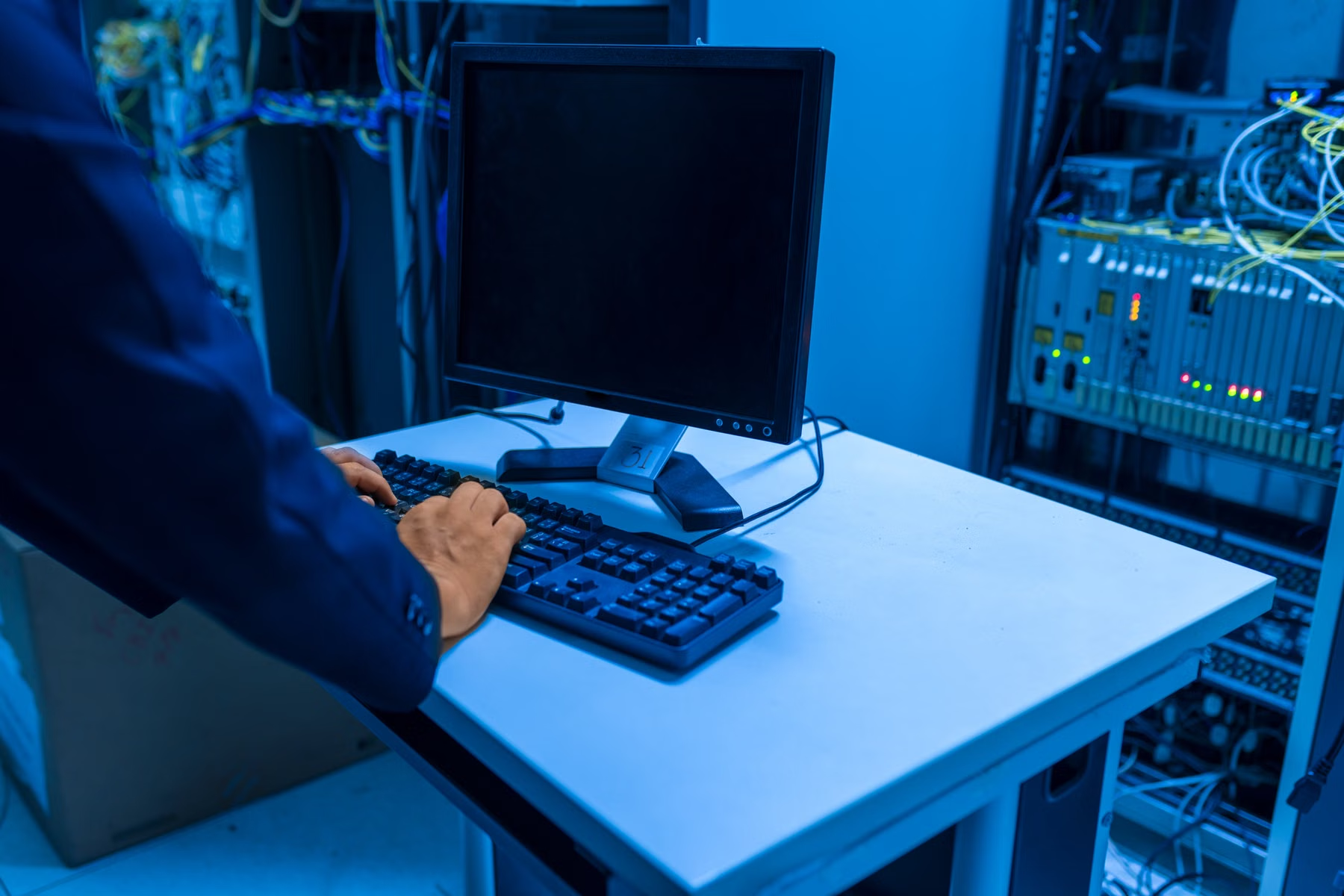
Business IT gets easier when the hardware and infrastructure are chosen around the work instead of accumulated one purchase at a time. That can mean modernizing servers, replacing them with cloud services, standardizing endpoints, improving Wi-Fi, adding barcode hardware, or simply documenting what already works.


We can work across mainstream endpoint, network, storage, scanning, and infrastructure ecosystems and choose around the actual environment.






Platform names and marks belong to their respective owners. Inclusion here describes the technology environment we can evaluate, integrate, implement around, or coordinate — it does not imply a formal partnership unless explicitly stated.
Platforms & technologies
The exact stack depends on the office, but Loginect commonly works across endpoint, Microsoft, cloud, network, storage, and backup environments.
The platform is not the strategy.
Hands-on, without staying stuck in the old model
Loginect can solve the immediate infrastructure problem while still seeing how the office connects to applications, data, growth, vendors, and the next stage of the business.
Technology Consulting & ModernizationStart with the office
A slow computer, unreliable Wi-Fi, an aging server, Microsoft 365, an office move, a new location, or a larger infrastructure proposal are all valid places to start.